
SQLDay 2019 – Day 2
Tuesday is the day when SQLDay starts. The doors are opened from 8am but the show begins with a keynote at 9am. This year the keynote talk was done...
2019-05-15
14 reads
Tuesday is the day when SQLDay starts. The doors are opened from 8am but the show begins with a keynote at 9am. This year the keynote talk was done...
2019-05-15
14 reads
Today it was a workshop day at SQLDay. Five workshops (one unfortunately has been cancelled). I think at least 300-350 people have attended the conference during the first day....
2019-05-14
27 reads

This is the third interview we have done. This time our guest is Robert Farley who can be also recognized as the famous guitar player! Here you can find...
2019-05-10
49 reads

SQLDay starts in a week! Stay tuned during this week as it could be full of surprises! We are ready & prepared and speakers start to arrive next Saturday!...
2019-05-05
17 reads

It’s been long time ago I published the last article. I had exams at school and worked hard to pass and have a good grades. Now I have some...
2019-04-30
21 reads

#13, #13, #13 – that must be a good week! This firs week of May we call a “long weekend” as we have at least 2 days off! This...
2019-04-29
39 reads
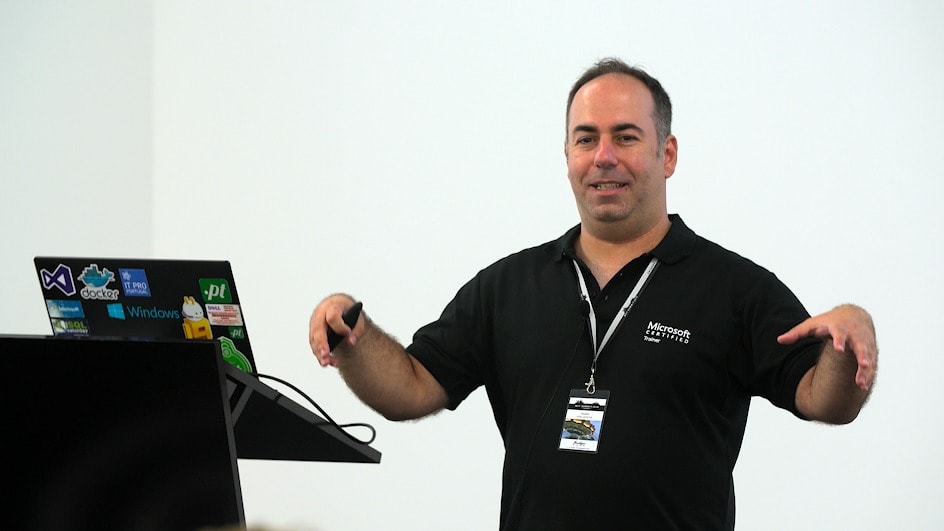
This is my second interview! This time with Andre who is a cat lover and great speaker! Here you can find the interview!
2019-04-24
43 reads

It was an Easter Monday yesterday and I thought it was not a good time to prepare a blog post. It was a time to rest with the family...
2019-04-22
15 reads

Good day folks! Let’s make this week great (again)! It is spring already there so it is easy to get up at 6am and write the blog! Now looking...
2019-04-15
53 reads

The 2nd of April 2019 was a big day because of the two global IT events. The one was for developers as a new Visual Studio 2019 was born....
2019-04-13
41 reads
By Vinay Thakur
Continuing from Day 3 where we covered LLM models open/closed and their parameters, Today...
By Steve Jones
One of the nice things about Flyway Desktop is that it helps you manage...
By HeyMo0sh
Microsoft Fabric (not to be confused with the more general term “fabric” in DevOps)...
I'm fairly certain I know the answer to this from digging into it yesterday,...
Hi Team, I am trying to refresh the Azure Synapse Dedicated pool from production...
hi everyone I am not sure how to write the query that will produce...
I have some data in a table:
CREATE TABLE #test_data
(
    id INT PRIMARY KEY,
    name VARCHAR(100),
    birth_date DATE
);

-- Step 2: Insert rows
INSERT INTO #test_data
VALUES
(1, 'Olivia', '2025-01-05'),
(2, 'Emma', '2025-03-02'),
(3, 'Liam', '2025-11-15'),
(4, 'Noah', '2025-12-22');
If I run this query, how many rows are returned?
SELECT *
FROM OPENJSON(
     (
         SELECT t.* FROM #test_data AS t FOR JSON PATH
     )
             ) t;
See possible answers